If you’re running LinkedIn ads on the default always-on setting, you’re probably spending money when nobody’s watching.
Here’s the thing: LinkedIn doesn’t schedule ads automatically. Your campaigns run 24/7 unless you manually pause them. Budget burns through evenings, weekends, and hours when your target accounts are offline. These periods consistently underperform, but they still eat through your daily caps.
For most B2B campaigns, the waste follows a predictable pattern. Evenings after 7pm? Minimal engagement. Weekends? CTRs drop 60-70% compared to weekdays. Early mornings before 7am? Impressions pile up, but conversions don’t follow.
Add it all up and you’re losing 30-40% of spend to low-intent windows.
Scheduling your ads seems like a pretty straightforward fix. But LinkedIn’s platform doesn’t offer that capability, leaving most advertisers to either accept the waste or manually toggle campaigns on and off throughout the week.
The Gap Between Always-On and Actual Engagement
B2B buying behavior on LinkedIn follows clear patterns. Most engagement happens weekdays between 7am and 6pm, with spikes during commutes, lunch breaks, and late afternoon lulls between meetings.
Outside these windows, your ads still run. They just perform worse.
Lower engagement rates mean you’re paying for impressions that don’t convert and clicks that don’t qualify. Budget that could’ve been concentrated during high-intent hours gets diluted across dead zones instead.
The always-on default made sense when LinkedIn prioritized maximum inventory utilization. But for advertisers working with limited budgets and specific conversion goals, it’s a mismatch:
You’re not trying to maximize impressions, you’re trying to reach decision-makers when they’re actually in buying mode.
This gets messy fast across multiple time zones. A global campaign running always-on might hit peak hours in New York while burning budget at 2am in Singapore. Without scheduling, you can’t prioritize markets or align delivery to local business hours.
What Strategic Scheduling Actually Looks Like
Scheduling isn’t as simple as pausing ads overnight. You need to make strategic calls about timing and budget concentration. Here’s what matters most:
#1 Start With Your Engagement Windows
Pull delivery data from the last 30-60 days. Look at CTR and conversion rate by hour and day of week. You’re hunting for patterns—when does performance spike? When does it drop?
Most B2B campaigns see a 2-3x performance difference between peak hours (10am-2pm weekdays) and off-hours.
#2 Decide Between Tight and Loose Scheduling
Tight scheduling (9am-3pm only) maximizes efficiency but might miss edge opportunities. Loose scheduling (7am-7pm) captures more volume but dilutes performance.
The right choice depends on budget size and conversion costs. If you’re spending $50K+ monthly with room to scale, loose windows let you test broader patterns. If you’re at $5-10K and every dollar counts, tight windows usually win.
#3 Handle Multi-Geo the Smart Way
When targeting multiple regions, you face a choice: separate campaigns for each geo, or one global campaign with staggered hours?
Separate campaigns give you precise control but double your management work. Global campaigns are cleaner but require compromise: you can’t optimize perfectly for every market simultaneously.
Most advertisers split by major region (Americas, EMEA, APAC) and accept some inefficiency within each zone.
#4 Adjust by Funnel Stage
Top-of-funnel awareness campaigns can run wider hours. You’re building reach, not chasing immediate conversion intent.
Bottom-funnel campaigns, such as retargeting, high-intent keywords, ABM lists, should run tightly scheduled. These audiences convert based on timing and context, not just exposure.
#5 Test Day-of-Week Patterns Before Committing
Some industries see strong Friday engagement (end-of-week planning). Others see Friday drop-offs (people mentally checking out). Mondays can be high-volume but low-quality (inbox clearing, not decision-making).
Midweek often performs best, but test before you assume.
How to Implement Scheduling
Campaign Manager now offers its own ad scheduling, so start there. If you need more control than it gives you, there are three major options.
- Manual toggling means setting calendar reminders to pause campaigns evenings and weekends, restart them mornings and Mondays. This works for small accounts (1-3 campaigns) but doesn’t scale. You’ll miss toggles, waste time, and can’t optimize by hour.
- API-based automation requires dev resources to build scripts that pause and restart campaigns on schedule. It works, but creates maintenance burden. API rate limits, authentication issues, and campaign changes all become failure points.
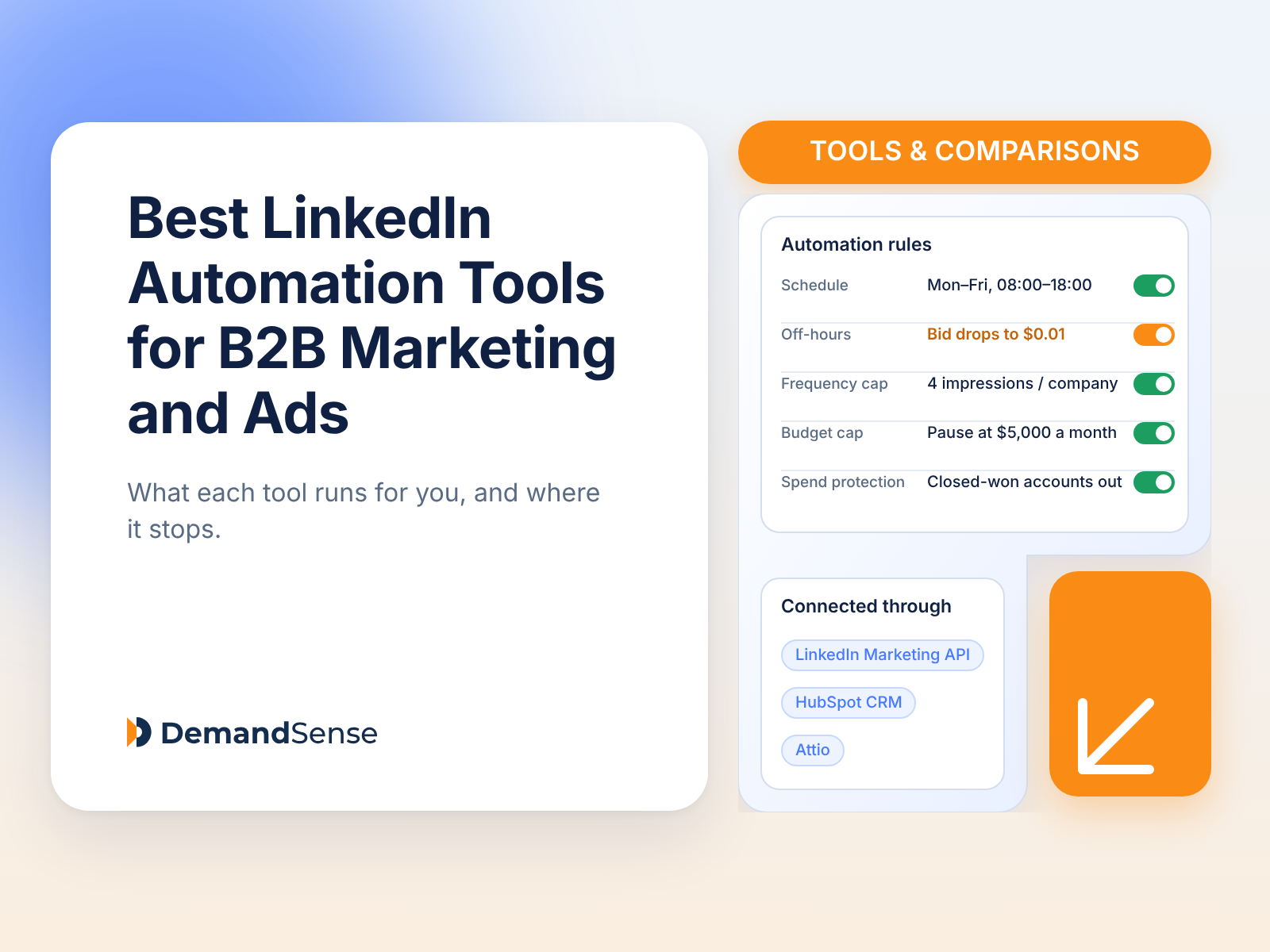
- Third-party tools like DemandSense automate the process without manual work or custom development. You set time blocks by hour, day, and region. The platform handles execution and adjusts for time zones automatically.
The choice depends on scale and resources. Managing 10+ campaigns across multiple geos? Automation becomes necessary. Running a few focused campaigns with tight budget constraints? Even manual toggling beats always-on delivery.
- Going too tight, too fast. Jumping from always-on to 9am-3pm without testing creates risk. You might cut hours that actually perform. Start loose (7am-7pm weekdays) and tighten based on data.
- Ignoring audience network behavior. LinkedIn’s audience network has different engagement patterns than native placements. If you’re running audience network, test scheduled vs. always-on separately.
- Forgetting about learning phases. New campaigns need volume to exit learning. Tight scheduling early can slow this down. Consider running wider hours the first week, then tightening once the campaign stabilizes.
- Scheduling based on your habits, not theirs. Just because you check LinkedIn at 6am doesn’t mean your target accounts do. Base schedules on delivery data and buyer behavior, not assumptions.
- Setting it and actually forgetting it. Seasonality markers like end-of-quarter pushes, holidays, and conference seasons shift the engagement patterns. Review and adjust schedules quarterly, not once and done.
Get Seen By Buyers on Your Schedule (& Theirs)
The always-on default treats all hours equally. Your buyers don’t.
They’re in buying mode during specific windows. Those windows deserve your budget.
Scheduling forces you to decide when your audience is actually reachable and when they’re in decision-making mode. Most campaigns improve immediately just from cutting obvious waste like weekends, late nights, and early mornings.
The more strategic question is optimizing the hours you do run. That’s where testing and iteration matter.
But step one is simple: don’t pay for impressions when nobody’s there to see them.
![What Always-On LinkedIn Campaigns Actually Cost You [+ Budget-Saving Alternatives]](https://knowledgebase.demandsense.com/wp-content/uploads/2026/08/UC-Banner-Tools-and-Comparisons@2x.png)