LinkedIn Ads
MCP & AI Hub
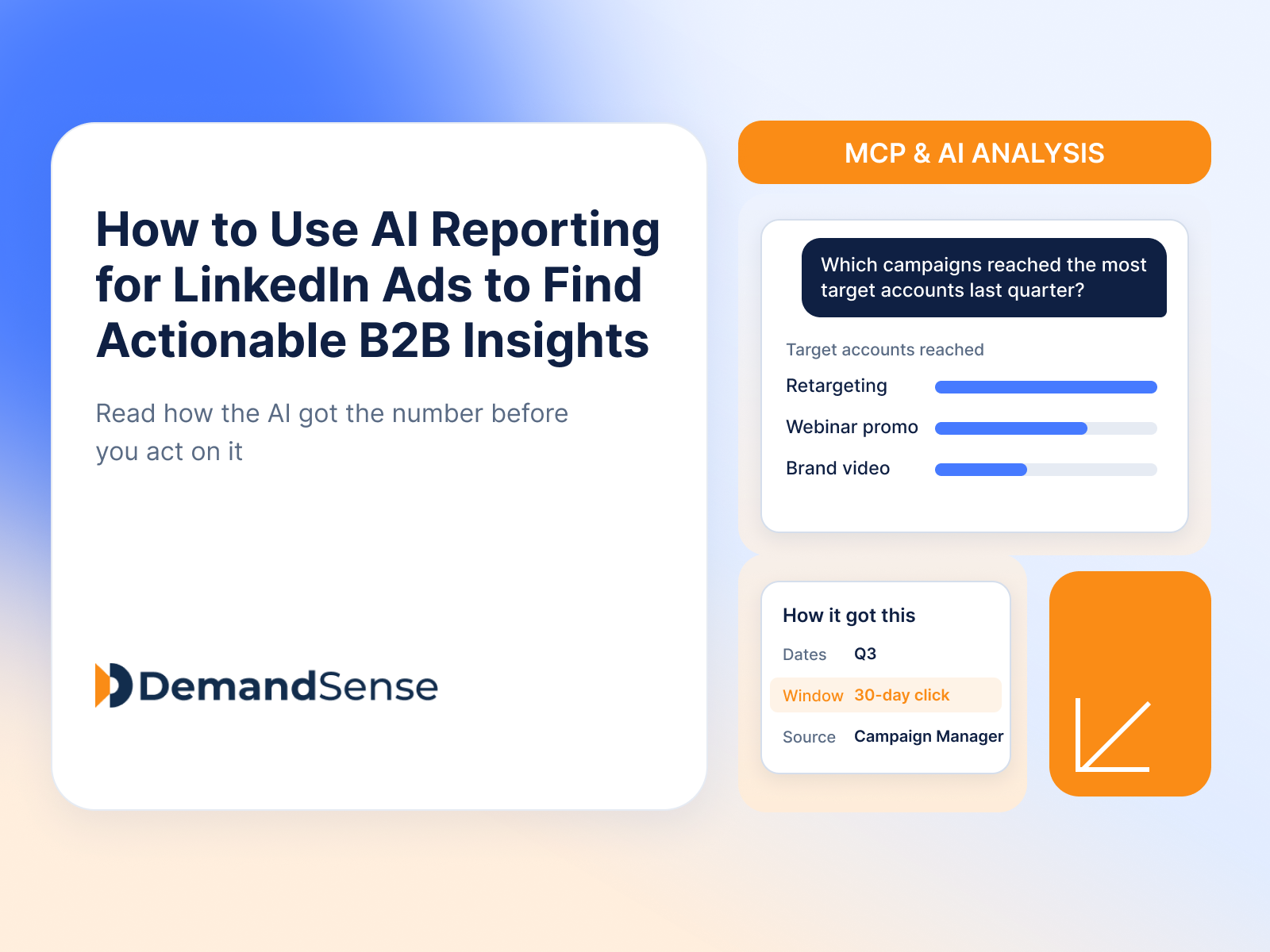
How to Use AI Reporting for LinkedIn Ads to Find Actionable B2B Insights
Learn how to use AI reporting for LinkedIn Ads: which data to connect, what to ask, how to validate the answer, and where generic AI tools fall short.
Learn how DemandSense AI Copilot helps B2B marketers analyze LinkedIn Ads data, diagnose performance changes, connect campaigns to pipeline, and get faster answers.
Here’s what happens when you start running more of the platform. Ad optimization is live. The Sensor Pixel identifies companies and individuals visiting your site. Revenue Attribution is syncing deal data from your CRM. Audience Explorer is building prospect lists. Each module is doing something useful.
And then you realize you have more data than you know what to do with.
AI Copilot is what makes all of that data actually usable. It sits across your DemandSense data and lets you ask questions in plain English, returning charts, tables, and written explanations in seconds. No SQL. No analyst. No context-switching between dashboards. The more the platform does, the more it earns its place.
AI Copilot is a chat-based analytics assistant built into DemandSense. Ask questions about your ad performance in plain English — or use guided chips to specify data sources and metrics — and it returns charts, tables, and written explanations in seconds. It connects to your LinkedIn Ads data, and also to Google Ads and Facebook Ads if you’ve connected those.
You can ask in natural language, use Data and Metrics chips to narrow the query, or use slash commands to browse available datasets. Responses come back as a written explanation alongside metric cards and a chart or table where relevant. Here’s what that looks like in practice.
Instead of navigating between views and manually comparing numbers, you just ask. Which campaigns had the lowest CPC last month? How did my scheduled campaigns perform compared to always-on? Which audience segments drove the most clicks? Copilot returns a chart with the answer, pulling from data that’s already in the platform.
This sounds like a minor convenience until you realize how often those questions go unasked because answering them properly takes 20 minutes. When it takes 20 seconds, you ask more of them. And asking better questions more often is genuinely how you catch problems before they get expensive.
When something looks off — a CPM spike, a CTR drop, a campaign spending faster than expected — figuring out why normally means cross-referencing hourly breakdowns, audience settings, and scheduling data until something clicks. Or you just adjust and hope.
Copilot does the cross-referencing. Ask it what changed and it surfaces the relevant data points from your campaign history. Not a complete substitute for knowing your campaigns, but a much faster starting point than doing it manually — especially when you’re running several campaigns with different variables in play.
Once Revenue Attribution is running, Copilot can answer questions that cross the ad-to-pipeline boundary — the kind that would normally mean exporting data from two different places and joining them in a spreadsheet. Which campaigns had the most overlap with active deals last quarter? Which ad types show up most often in influenced closed-won revenue?
This is where the platform starts to feel like an actual system rather than a collection of features. You’re not switching tabs to try to correlate things manually. You’re asking one question and getting a view that spans both.
The Sensor Pixel generates a lot of behavioral signal — which pages high-intent visitors are hitting, which industries keep showing up, which job titles return most often. Useful data. But pulling specific insights from it manually means filtering through the platform and doing the pattern recognition yourself.
With Copilot, you ask directly. The answer comes back in seconds, and it’s immediately actionable. Take the insight straight into Audience Explorer or flag it for sales — no detour through a spreadsheet required.
Before a monthly review or a leadership check-in, you need a coherent narrative about what happened and why. That normally means pulling numbers from several places, assembling them into something legible, and hoping you’re representing the data accurately.
Copilot compresses most of that. Ask it to summarize your LinkedIn performance over the last 30 days and you get something you can share directly or paraphrase in a meeting. It’s not a magic deck-builder — but it removes the part of budget prep that is genuinely just mechanical, so you can spend the time on the part that actually requires your judgment.
Copilot includes a prompt library built from questions other B2B marketers are actually running against their data. When you’re getting started with a new module — or when you’ve been staring at the same dashboards for a while and want a fresh angle — those prompts are a useful forcing function.
They surface questions worth asking that you might not have thought to ask. More than 80% of users mark their first Copilot answer as helpful. The fastest way to understand what it can do with your specific data is to just try it.
Not all AI analytics tools for LinkedIn ads solve the same problem. Some are built for attribution. Some focus on audience-level identification. Some give you a natural language query layer on top of your campaign data. The right tool depends on what you’re actually trying to answer.
Here’s how the main options compare — and where each one earns its place.
LinkedIn’s built-in reporting is the baseline. It shows delivery data, demographic breakdowns, and performance metrics for the campaigns you’re running. The AI features — Accelerate campaigns, audience forecasting — help with setup and optimization. What it doesn’t do: connect to your pipeline, identify which companies are seeing your ads, or let you query across campaigns in plain English.
Best for: Campaign setup, basic performance monitoring, audience forecasting within LinkedIn.
Factors focuses on account intelligence and LinkedIn ad performance — it can identify companies visiting your site, score accounts by intent signals, and connect that data back to LinkedIn campaign reach. Its AdPilot feature handles audience syncing and frequency capping. Analytics are centered on account-level engagement and pipeline influence rather than campaign-level optimization.
Best for: ABM-focused teams that want intent signal data feeding LinkedIn audience lists.
Dreamdata is a B2B revenue attribution platform that maps multi-touch journeys across channels. It connects ad spend (including LinkedIn) to pipeline and revenue using CRM data, and produces reports on influenced deals and payback periods. The querying experience is report-driven rather than conversational.
Best for: Teams that need formal multi-touch attribution across channels with CRM connectivity.
Fibbler is built specifically for LinkedIn ads analytics. It focuses on company-level identification — showing which companies are seeing your ads — and ties that to pipeline data. It’s narrower in scope than a full analytics platform, but well-suited to teams that want LinkedIn-specific company visibility without a larger tool.
Best for: LinkedIn-only teams that want company-level ad exposure data and basic pipeline overlap.
DemandSense AI Copilot sits across the full platform — LinkedIn Ads data, Sensor Pixel visitor identification, Revenue Attribution, and Audience Explorer — and lets you query all of it in plain English. The difference from standard analytics tools is the query interface: instead of building reports or navigating dashboards, you ask a question and get a chart or table back in seconds. It also connects to Google Ads and Facebook Ads if those are running alongside LinkedIn.
Because it’s integrated with Revenue Attribution and CRM sync, the questions you can ask span from campaign-level performance to pipeline-level outcomes in a single session — without exporting or joining data manually.
Best for: LinkedIn-first B2B teams that want to query across ad performance, visitor data, and pipeline in one place without the overhead of building custom reports.
| Tool | Best For | AI Query Interface | CRM/Pipeline Data | LinkedIn-Native |
| LinkedIn Campaign Manager | Campaign setup & optimization | Limited (Accelerate, forecasting) | No | Yes |
| Factors.ai | ABM + intent-driven audiences | No | Yes | Partial |
| Dreamdata | Multi-touch revenue attribution | No | Yes | Partial |
| Fibbler | Company-level LinkedIn ad visibility | No | Basic | Yes |
| DemandSense AI Copilot | Querying across ads, visitors & pipeline | Yes — natural language | Yes (HubSpot live; Salesforce in progress) | Yes |
The practical difference between AI analytics and traditional LinkedIn reporting isn’t speed — it’s the type of questions each one can answer.
Traditional LinkedIn reporting is dashboard-driven. You navigate to a view, apply filters, and read what the system shows you. It’s good at answering questions you already know to ask: CTR by campaign, cost per lead by audience, spend pacing by week. Everything is structured around the metrics LinkedIn tracks and the dimensions it exposes.
AI analytics is query-driven. Instead of navigating to a report, you describe what you want to understand. The system figures out how to pull the relevant data, cross-reference it with other sources if needed, and return an answer. That changes which questions are worth asking — because questions that would take 30 minutes to answer manually now take 30 seconds.
The bigger structural shift is the data scope. LinkedIn reporting shows you what’s inside Campaign Manager. AI analytics tools can pull from Campaign Manager plus your CRM, plus visitor identification data, plus historical performance — and let you ask questions that span all of it in one place.
For B2B teams running attribution-heavy programs, that’s the meaningful gap. Traditional reporting tells you how your campaigns performed. AI analytics helps you understand why, and what it meant for pipeline.
AI analytics handles the data retrieval and pattern surfacing. It doesn’t handle the interpretation or the decision-making — and conflating the two is where teams get into trouble.
A few areas where your judgment still leads:
The teams that get the most out of AI analytics are the ones who use it to ask more questions, not fewer. The tool handles the retrieval. The marketer still has to bring the insight.
AI Copilot is included in DemandSense. Start your free trial to start querying your LinkedIn Ads data in plain English — no setup calls required.
Filed under
Written by
Content Lead, DemandSense
Kristina is a journalist by training with seven years of writing for B2B companies and more than a hundred marketing pages behind her. She leads content at DemandSense and edits everything published on this blog.
All articles by Kristina Haidai →LinkedIn Ads
MCP & AI Hub
Learn how to use AI reporting for LinkedIn Ads: which data to connect, what to ask, how to validate the answer, and where generic AI tools fall short.
Iurii Znak
•Sep 23, 2026
•17 min read
MCP & AI Hub
Tools & Comparisons
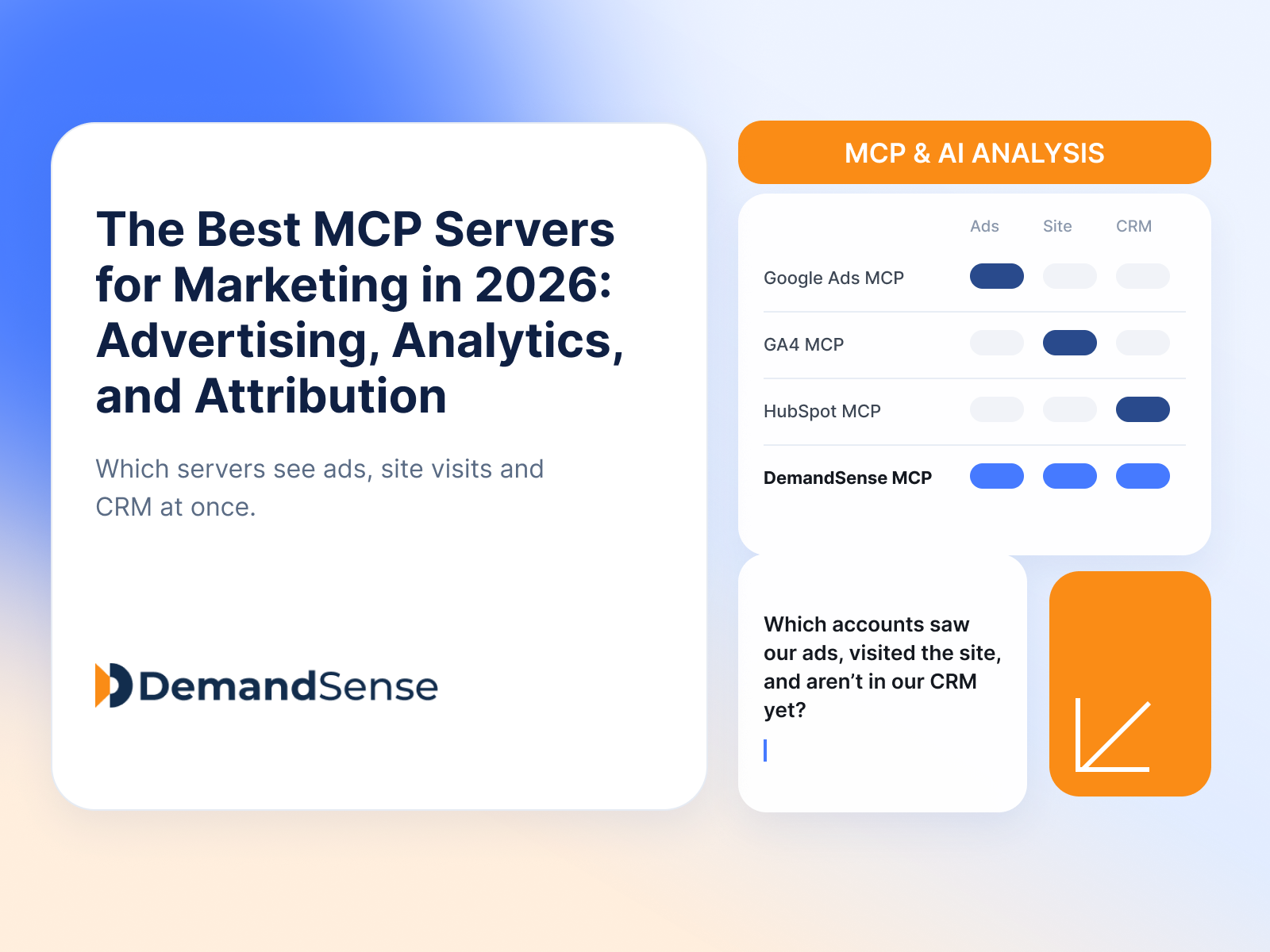
Compare the best MCP servers for marketing in 2026 for advertising, analytics, attribution, CRM, Claude, and ChatGPT, and choose the right MCP for your stack.
Kristina Haidai
•Aug 28, 2026
•16 min read
LinkedIn Ads
MCP & AI Hub
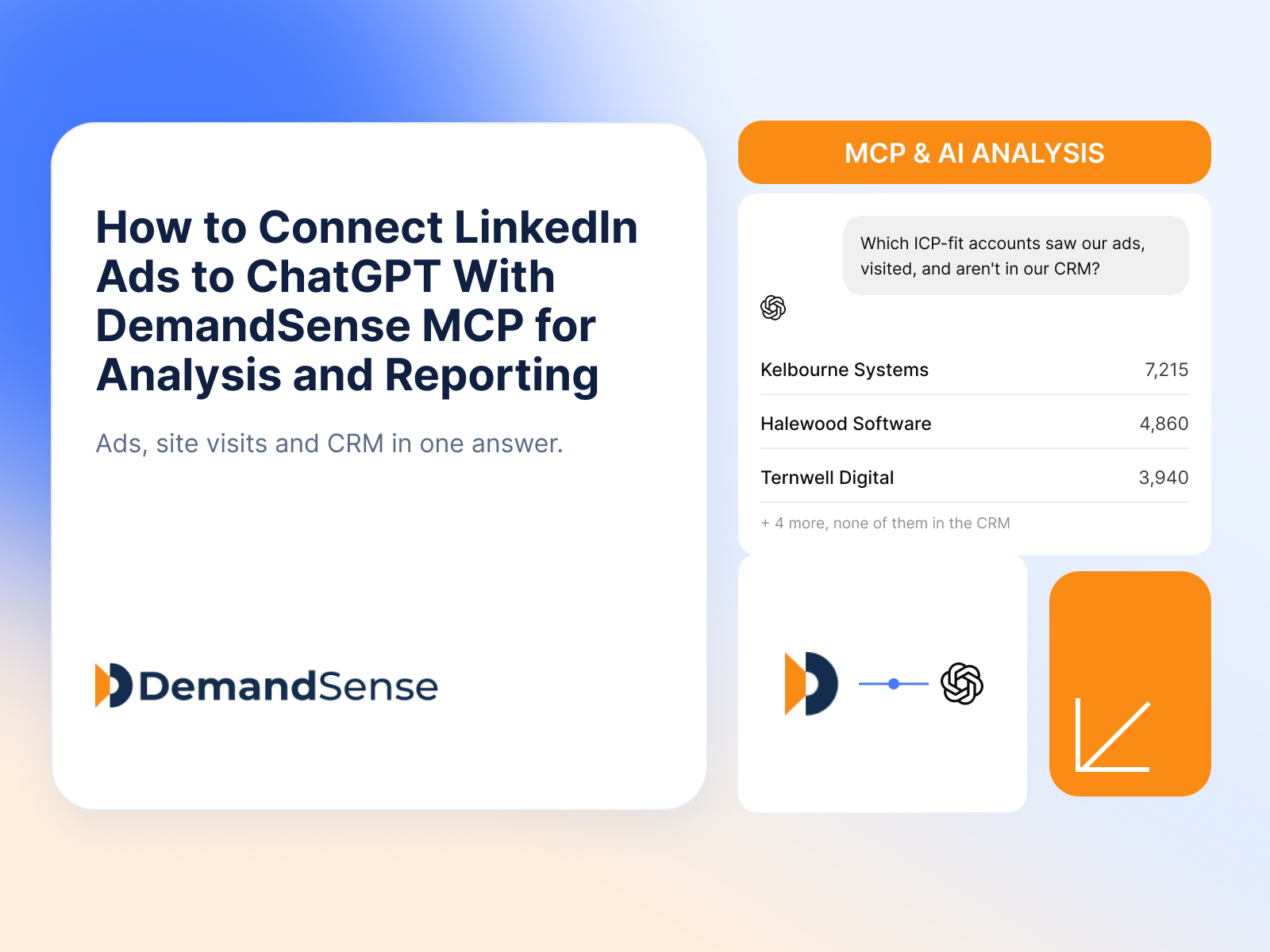
Learn how to connect LinkedIn Ads to ChatGPT with MCP to analyze campaign, account, pipeline and revenue data, build reports, and use AI-driven prompts.
Kristina Haidai
•Aug 25, 2026
•14 min read
Get expert insights and strategies delivered to your inbox weekly.
