LinkedIn Ads
Revenue Attribution & Measurement
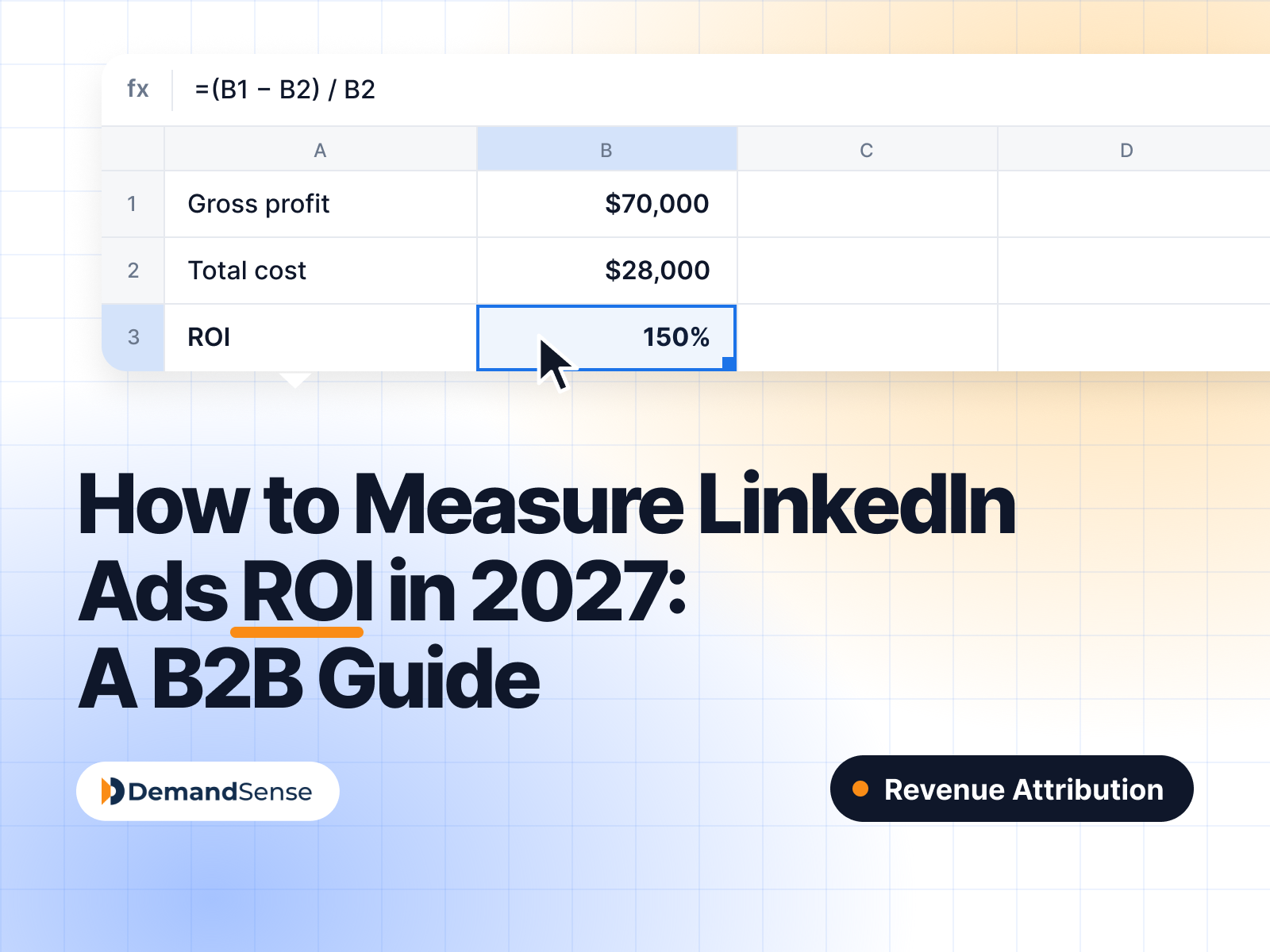
How to Measure LinkedIn Ads ROI in 2027: A B2B Guide
How to measure LinkedIn Ads ROI for B2B: what to track, which costs to count, how to tie ads to CRM revenue, and a worked ROI calculation.
DemandSense vs AdRadar compared by use case: LinkedIn ad scheduling, impression caps, exclusions, attribution, competitor ads, the Conversions API and pricing.
Like any ad platform left on its defaults, LinkedIn will spend your budget at 3 a.m. on a Sunday, show your ads to the same forty accounts all month and count interns as reach. Campaign Manager now lets you schedule ads, but most of the other controls a B2B team needs sit outside it. A small group of tools now exists to add that control, and AdRadar is one of the newest: a LinkedIn Ads “AI Copilot” launched in November 2025 by the team behind the ABM platform Recotap, with its AI agents still labelled beta in November 2026.
It is the closest tool to DemandSense on ad delivery. Each one schedules campaigns, caps how much one company sees, keeps the wrong companies and job titles out, and attributes LinkedIn activity to CRM revenue. AdRadar packages those jobs as agents that recommend an action and wait for your approval, on plans from $29 to $149 a month. DemandSense builds them as settings, and adds what sits on either side of the campaign: who is on your website, what competitors are running, and what LinkedIn learns from the deals you close.
AdRadar is a LinkedIn-only tool built around seven AI agents. Four are live: impression capping per company, automatic company blocking, automatic title blocking and campaign scheduling. Three are listed as coming soon: bidding optimisation, ad rotation and competitor ads analysis. Underneath sit revenue attribution, a custom attribution model, a customer journey view and CRM sync with HubSpot, Salesforce or Pipedrive. Plans run from $29 to $149 a month.
DemandSense covers three jobs for the marketer who runs LinkedIn Ads in a small B2B team: optimization, attribution and website visitor profiling, with an MCP server over all of it. Four delivery settings control when ads run, how often one company sees them, who they reach and when spending stops. Around them sit website visitor identification, competitor ad monitoring, the LinkedIn Conversions API and attribution under thresholds you set. Every feature is on every plan from $89 a month.
Choose AdRadar if the job is delivery control on LinkedIn at a $29 entry price and you like an agent proposing the changes. Choose DemandSense if you want those controls connected to the rest of the picture: the visitors on your site, your competitors’ ads, and closed deals going back to LinkedIn.
Pick the jobs that matter to you and the table shows only those rows.
Both tools exist because Campaign Manager leaves the same gaps: no frequency cap at company level, and no simple way to see which companies and job titles are absorbing the budget. Each connects to your LinkedIn ad account and your CRM, reports at company level, and attributes LinkedIn activity to deals.
AdRadar’s Campaign Scheduling Agent pauses the linked campaigns when your window closes and reactivates them when it opens, with separate schedule blocks for different time zones and a delivery timeline that shows what ran when.
DemandSense schedules by hour and day too, and gives you a second method: instead of pausing, it drops the bid to $0.01 outside your hours, so the campaign stays live and LinkedIn keeps its optimisation history overnight. That method is the one behind the published results of testing ad scheduling on LinkedIn.
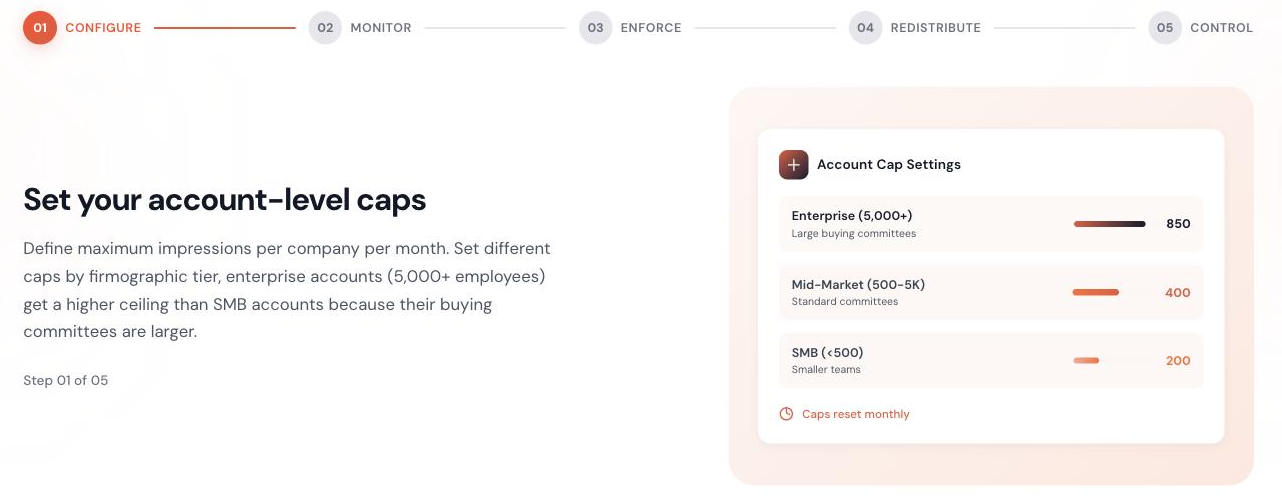
AdRadar caps impressions per company per month and lets you set different caps by company size, so a 5,000-person enterprise can have a higher ceiling than a 200-person firm. An account that reaches its cap is excluded until the caps reset, which happens monthly.
DemandSense’s frequency cap limits how often any one company sees your ads, which stops the largest accounts on a list from absorbing the impressions meant for everyone else. Capping and suppression enforce weekly.
On AdRadar’s Starter plan you block irrelevant companies and job titles by hand. From Growth, two agents do it for you: one excludes companies outside your target criteria, the other excludes job titles outside the seniority, departments and titles you configure.
In DemandSense, audience tuning shows every job title and company your budget reached and lets you suppress a competitor, a customer or an active deal in one click. Spend protection then removes accounts that closed in the past twelve months, so customers stop taking impressions.
DemandSense adds a monthly budget ceiling: campaigns pause when the account reaches your cap and restart on the first. AdRadar lists a Bidding Optimization Agent as coming soon, and a budget ceiling is not among its seven agents.
Delivery settings decide where the budget goes. The other half of the job is knowing whether it worked and telling LinkedIn.
AdRadar’s attribution is on every plan: revenue attribution, a custom model, a customer journey view and company-level analytics, fed by HubSpot, Salesforce or Pipedrive. Its Pro plan adds company scoring, a journey-stage prediction model and a sync that writes both back to the CRM.
DemandSense attributes LinkedIn activity to pipeline and revenue under Awareness, Engagement and Intent thresholds you set, with Won ROAS and splits by industry, headcount and country, on HubSpot, Salesforce, Attio or Zoho. Two things then extend it past the ad account. Website visitor identification names the companies on your site from any country and the people behind US visits, scores them against your ICP, and puts the visit on the account’s timeline next to the ad touches. And the Conversions API sends closed-won deals back to LinkedIn as Purchase events with the deal amount, and qualified opportunities as Qualified Lead events, on a daily sync, so Campaign Manager optimises toward the accounts that bought. Neither appears on AdRadar’s site at the time of writing.
AdRadar’s seventh agent is the one that tracks competitors. Its page describes adding competitors’ LinkedIn company pages, getting flagged when one launches new ads or changes its messaging, and receiving suggested counter-positioning angles. In November 2026, it carries a “Coming soon” label on the homepage, the pricing page, and the agent’s own page, so check its status before you buy for that reason.
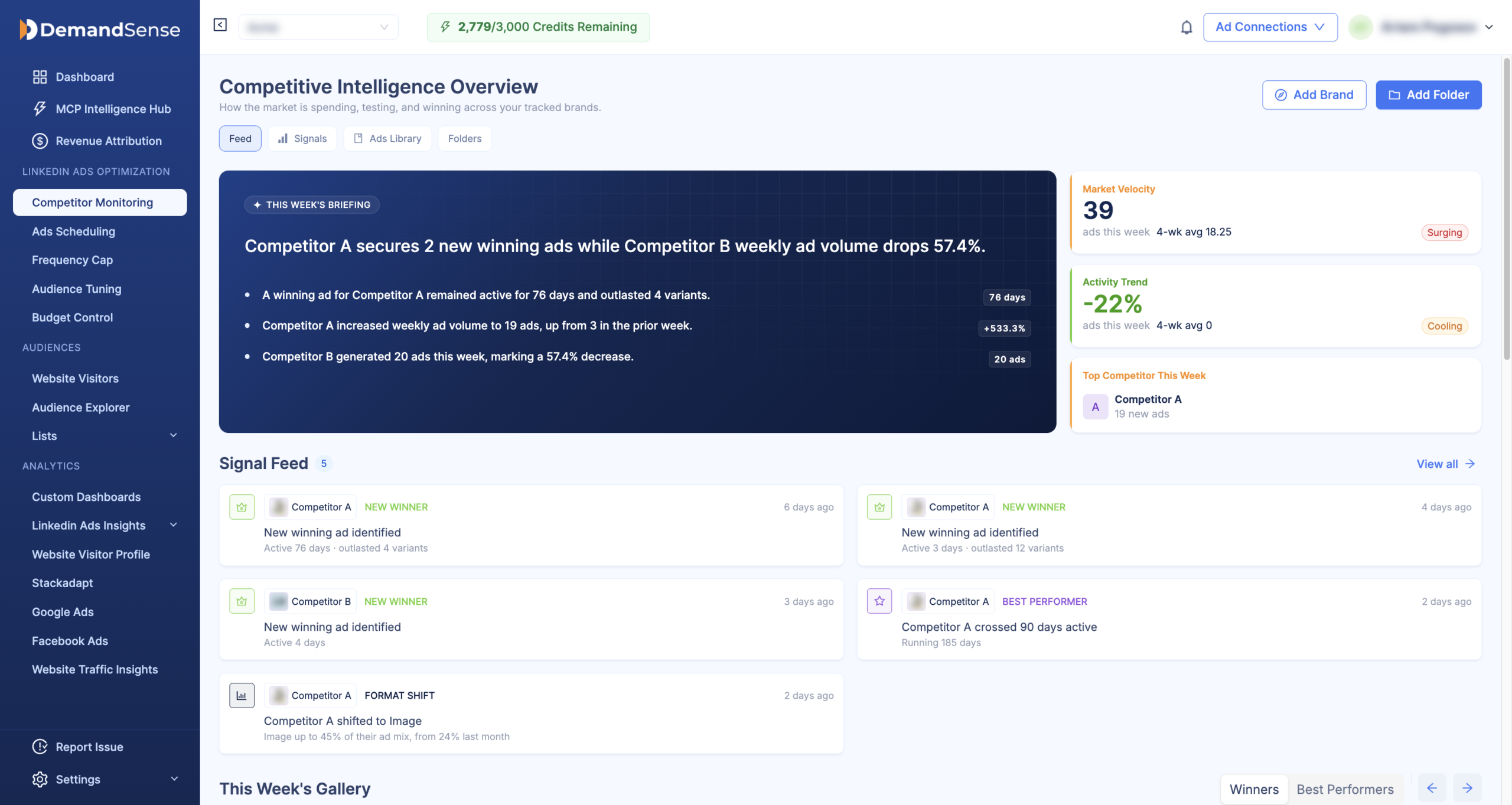
In DemandSense, competitor monitoring is live on every plan. You add a brand and its LinkedIn ads appear with up to twelve months of history. A Signals feed lists what changed each week, the Ad Library holds every tracked creative, active and historical, Creative Tests groups launches by day and marks the winners LinkedIn keeps delivering, and a Timeline shows how long each ad ran, which is the raw material for monitoring competitor LinkedIn ads week to week.
AdRadar’s interface is the agent. It runs an audit when you connect, gives the account a health score, and sends a daily briefing on what moved and what to do first.
DemandSense takes the data to the assistant you already use. DemandSense MCP is open on every plan and included in the trial. It lets Claude or ChatGPT read LinkedIn ad exposure, identified website visits and CRM state, so you can analyse LinkedIn Ads with Claude in your own words. It can also act now, not only read: ad scheduling is its first write capability, so you can set when your LinkedIn ads run from the same chat. An MCP server is not listed on AdRadar’s site.
AdRadar is young. Its agents carry a beta label, three of the seven are still to ship, and it has no G2 profile yet, so there is little independent review to read. That is normal for a product under a year old and worth weighing if you need something a team will depend on this quarter.
DemandSense covers more, so there’s more to learn before you use all of it, and person-level identification covers US traffic only. The 30-day trial includes every feature, so test the parts you care about before you decide.
| DemandSense | AdRadar | |
|---|---|---|
| Entry | Base, $89/mo, 200 credits: every feature, including revenue attribution, visitor identification, the four delivery settings, competitor monitoring, the Conversions API and MCP | Starter, $29/mo: revenue attribution, analytics, CRM sync, manual company and title blocking |
| Next plans | Plus, from $149/mo: the same features with 500 credits, climbing to 10,000 | Growth, $59/mo: the four live agents. Pro, $99/mo: company scoring, journey-stage prediction and CRM write-back |
| Agency | Cross-client management included; no separate agency plan | Agency, $149/mo for two accounts, $59/mo each additional, unlimited users |
| Competitor ads | Included, live | Listed as coming soon, from Growth |
| Website visitor identification | Included | Not offered |
| Conversions API | Included | Not offered |
| MCP | Included on every plan | Not offered |
| Free trial | 30 days, every feature, no card | Free trial, no card; annual billing saves one month |
| G2 | 5.0 | No profile yet |
AdRadar starts at $29, and its Growth plan at $59 is where the automated controls start. DemandSense’s $89 plan carries every feature, with monthly credits as the only difference between plans, so price the Plus tier against your own traffic.
Controls are one step in a loop. DemandSense measures what the spend produced, changes the campaign, and sends the outcome back to LinkedIn so the next round of delivery starts from the deals that closed.
Choose AdRadar if the problem is narrow and the budget is tight: LinkedIn is spending in the wrong hours and on the wrong accounts, and you want an agent to find the waste and propose the fix. Its Growth plan covers that at $59 a month, and Starter gives you attribution for $29.
Choose DemandSense if fixing delivery is half of what you need. The same $89 plan schedules and caps the campaign, shows who came to the site because of it, tracks what competitors are running, measures the pipeline it influenced, and tells LinkedIn which deals closed. That is one place to see what the spend did and to change what it does next, and every part of it is live today.
If scheduling is the main reason you are looking, the comparison of DemandSense and Linklo covers another tool built for that job.
Start a 30-day trial, no card needed, and switch the settings on for one live campaign.
AdRadar is a LinkedIn Ads tool from the team behind the ABM platform Recotap, launched in November 2025. It offers AI agents for impression capping, company and title blocking and campaign scheduling, plus revenue attribution and CRM sync. Plans run from $29 to $149 a month. DemandSense covers the same delivery controls as settings, with visitor identification, competitor monitoring and the Conversions API on the same plan.
In November 2026 AdRadar lists its competitor ads agent as coming soon, along with its bidding and ad rotation agents. DemandSense competitor monitoring is live on every plan, with tracked brands, a weekly signals feed, an ad library and up to twelve months of history.
Starter is $29 a month, Growth $59, Pro $99 and Agency $149 with two client accounts included and $59 for each additional one. There is a free trial with no credit card. DemandSense starts at $89 a month with every feature included and a 30-day trial.
Website visitor identification does not appear on AdRadar’s site. DemandSense identifies visiting companies from any country and, for US traffic, the person behind the visit, each scored against your ICP.
AdRadar pauses campaigns outside your schedule and resumes them when the window opens. DemandSense can do the same or lower the bid to $0.01 outside your hours, which keeps the campaign active and preserves LinkedIn’s optimisation history.
Filed under
Written by
Content Lead, DemandSense
Kristina is a journalist by training with seven years of writing for B2B companies and more than a hundred marketing pages behind her. She leads content at DemandSense and edits everything published on this blog.
All articles by Kristina Haidai →LinkedIn Ads
Revenue Attribution & Measurement
How to measure LinkedIn Ads ROI for B2B: what to track, which costs to count, how to tie ads to CRM revenue, and a worked ROI calculation.
LinkedIn Ads
Tools & Comparisons
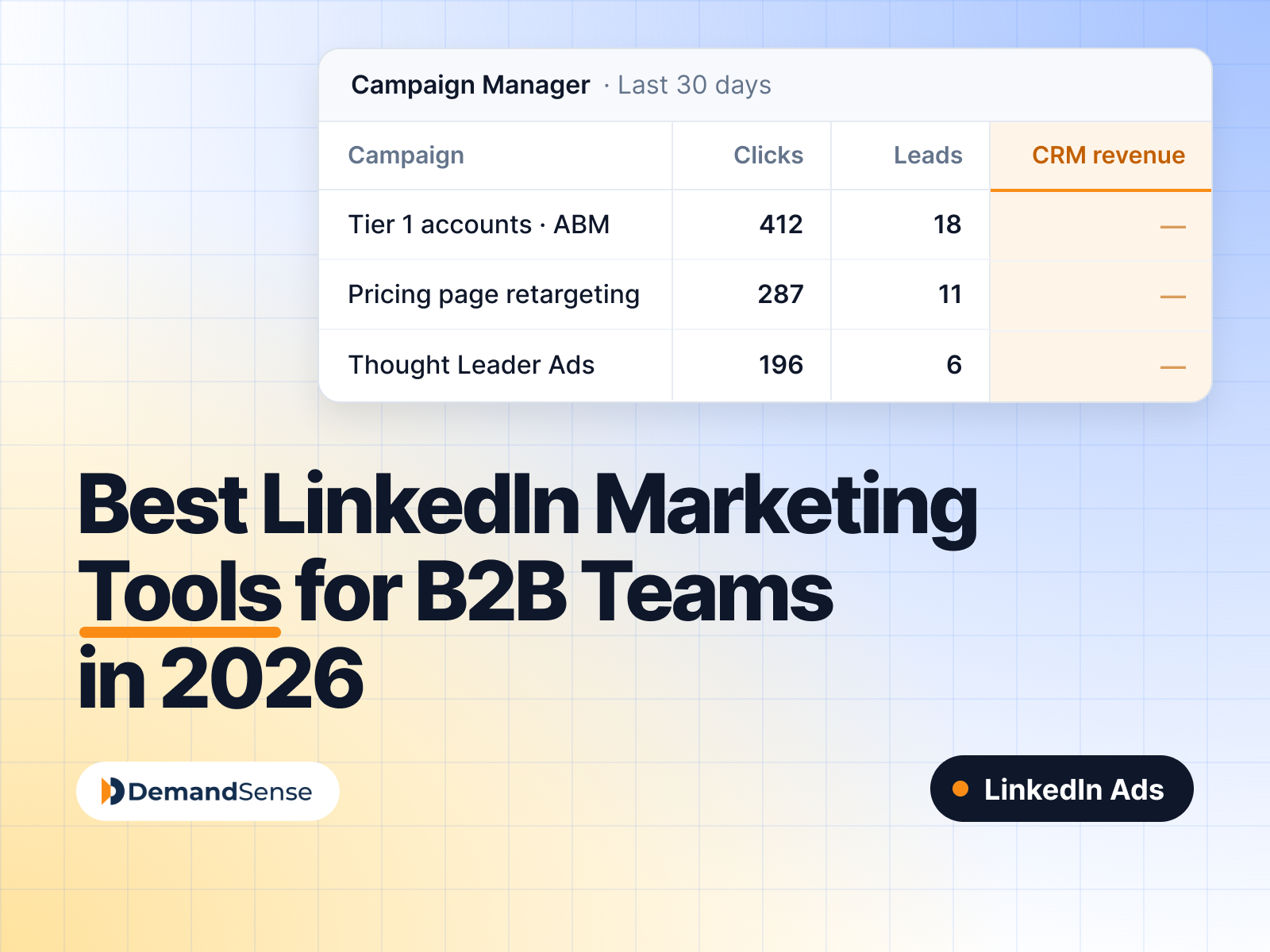
LinkedIn marketing tools by job: content, outreach, analytics, and ads. See what each category does, how to choose, and what a lean B2B stack looks like.
Tools & Comparisons
Visitor Intelligence
Compare the best website visitor tracking tools for B2B: what each identifies, US-only limits, integrations, pricing and who each one fits.
Get expert insights and strategies delivered to your inbox weekly.
