••
Insights & Resources
Expert strategies, case studies, and best practices for B2B marketing teams.
Expert strategies, case studies, and best practices for B2B marketing teams.
LinkedIn Ads
Revenue Attribution & Measurement
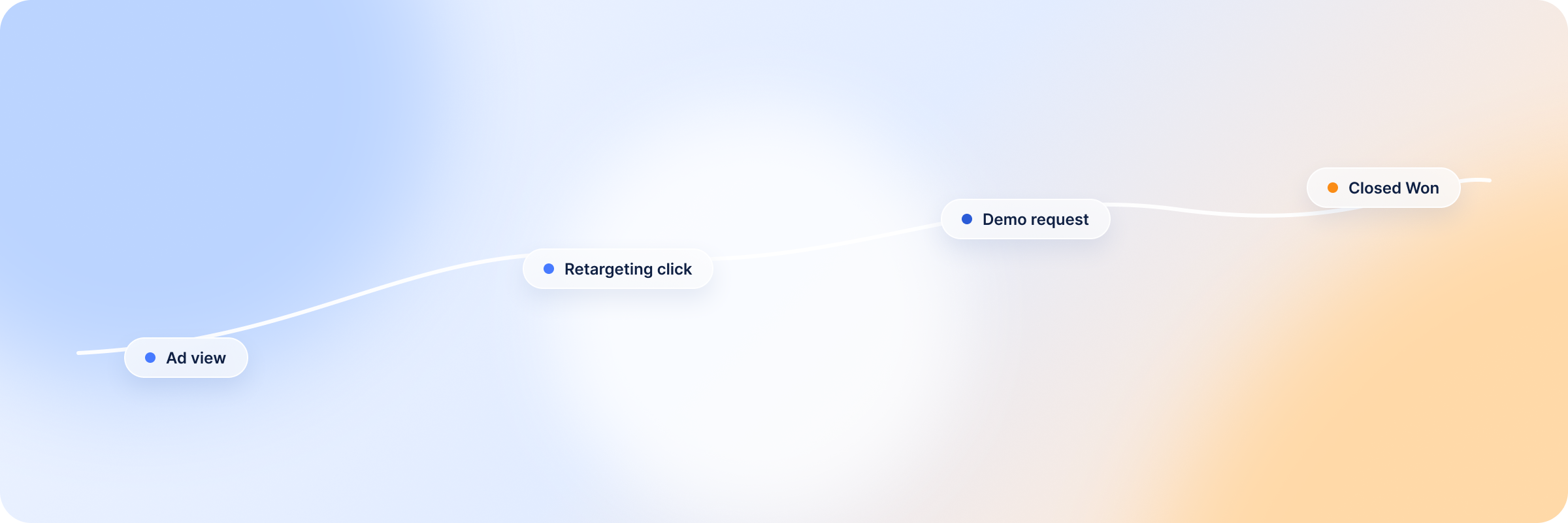
Impressions, clicks and CTR can all look healthy on a campaign that is quietly producing nothing. Conversion tracking is what tells you whether that activity turned into a lead — and, further down, whether the lead turned into a deal.
LinkedIn’s native conversion tracking handles the first half well enough. It records what people do after they see or click an ad, and breaks those actions down by the firmographics LinkedIn already holds. The second half is where it runs out of road: for most conversion types the longest window it looks back through is 90 days, and B2B deals routinely take longer than that to close.
This guide covers how LinkedIn ads conversion tracking works, the four ways to get data into Campaign Manager, where the native reporting stops, and what to do about the part of the cycle it can’t see.
Here’s the short version before the detail.
LinkedIn ads conversion tracking records the actions LinkedIn members take after interacting with your ads, and ties those actions back to the campaign, ad and creative involved.
If someone sees your ad, lands on your site a week later and downloads a report, the Insight Tag sends that action to LinkedIn, which registers it as a conversion against the campaign that reached them. You decide what counts — a page view, a form submission, a specific button click — and you set its value and its window.
B2B deals involve several people from the same company, each touching your ads at a different point, often over months. Grade a campaign on clicks alone and you’re grading it on the behaviour that correlates worst with revenue.
With conversion tracking in place, you can:
Campaign Manager accepts conversion data through four routes. They’re less alternatives than layers — most B2B accounts run at least two.
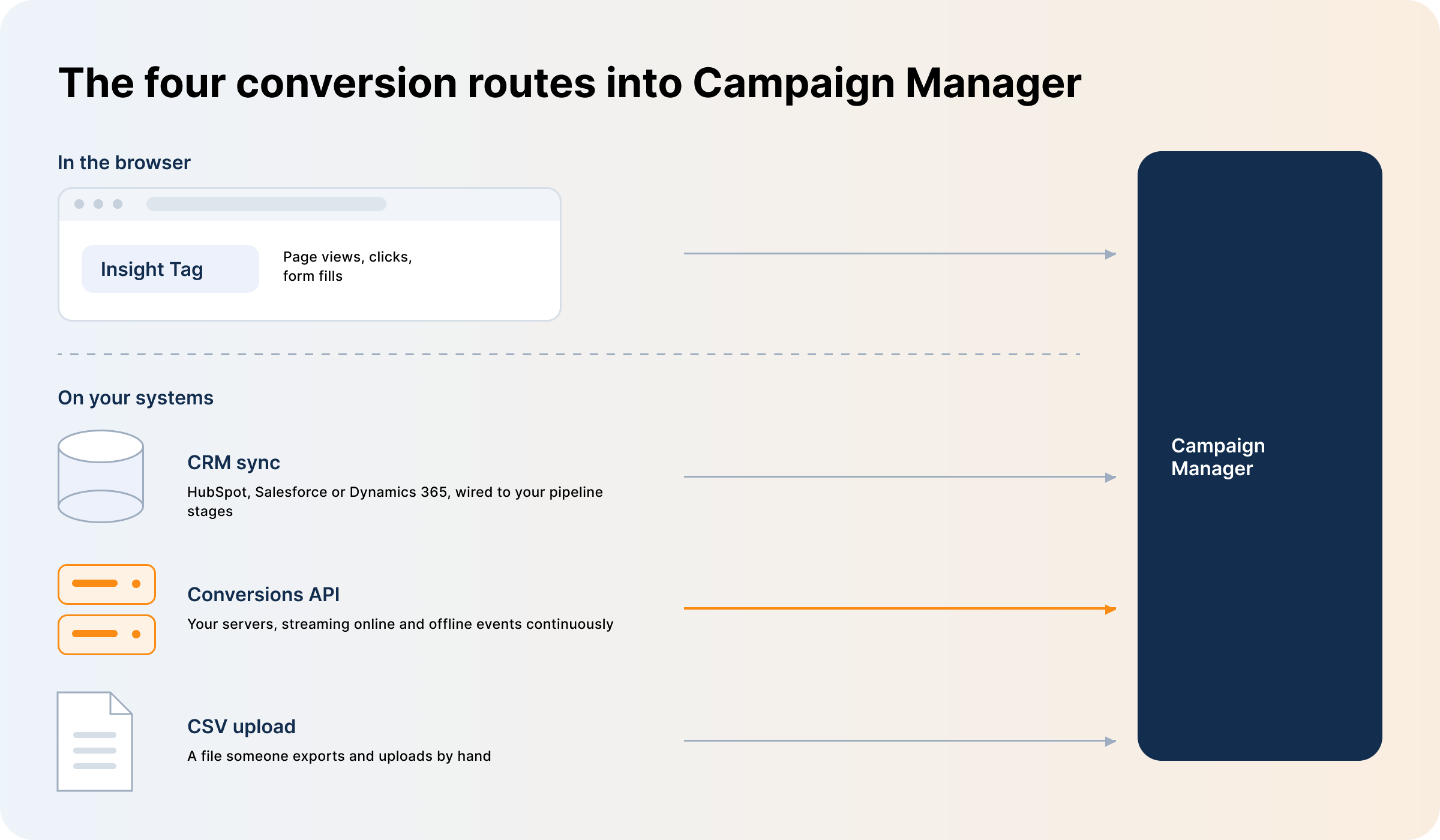
The Insight Tag is a small piece of JavaScript you add to your site. It fires on page load, LinkedIn matches the visit to a member profile where it can, and any action you’ve defined as a conversion is attributed to the campaigns that person saw or clicked. There are three setup routes:
For pages that can’t run JavaScript there’s an image pixel, an HTML <img> tag that works as a fallback and matches fewer people.
Whichever route you pick, the tag only sees a browser on your website — offline conversions and anything happening inside your CRM never reach LinkedIn this way.
This is the route that connects campaigns to revenue. LinkedIn lets you link Business Manager directly to HubSpot, Salesforce or Microsoft Dynamics 365. Once connected, it creates conversions from your pipeline stages automatically and unlocks the revenue attribution report in Campaign Manager. If your CRM is one of the three, set this up before anything else on the list.
If your CRM isn’t natively supported and middleware isn’t on the table, upload conversions as a CSV. It suits low volumes that don’t need frequent refreshing: a handful of qualified leads, offline conversions, closed deals, events recorded in another system.
LinkedIn is strict about the format — get the headers or the hashing wrong and no rows match to member profiles. The real cost is maintenance, though. Someone has to remember to export and upload, and the data is only as current as the last time they did.
The LinkedIn Conversions API is a server-to-server connection. Your systems send events straight to LinkedIn with no browser in the path, so ad blockers and cookie restrictions don’t touch it, and it carries offline events as well as online ones. Build it directly if you have developer time, or go through a partner integration.
CAPI beats CSV on freshness — events stream continuously instead of arriving whenever someone remembers to export.
Use several sources at once if you need to. Just give each conversion event its own rule, or the same action gets counted twice from two directions.
Set conversion tracking up before campaigns go live, not after. The flow is short:
Step 3 holds two settings that get confused with each other. The conversion window is how far back LinkedIn looks from the conversion — set separately for clicks and views at 1, 7, 30 or 90 days, defaulting to 30 and 7. The attribution model decides which campaign gets credit when several were involved: Last Touch – Each Campaign credits every campaign with an interaction inside the window, Last Touch – Last Campaign credits only the most recent. The first inflates totals across campaigns; the second is easier to report on.
LinkedIn supports conversion types at every stage, and it helps to define them as a set rather than one at a time.
Top of funnel — key page views on pricing or product pages, video views, event registrations. View and click conversions together show which creatives earn attention.
Middle of funnel — content downloads, form submissions and Lead Gen Forms, trial sign-ups, booked meetings. Here you see which campaigns produce leads, and start sorting them by quality rather than counting them.
Bottom of funnel — MQLs and SQLs, purchases, and submit application events like pricing or demo requests. Lead, Qualified Lead, Purchase and Submit Application are the four categories LinkedIn extends to a 365-day window when the events arrive offline, so classify them correctly or you lose it.
LinkedIn has closed part of the gap — the conversion window reaches 90 days for clicks and views, and 365 days for those four offline categories. Three limits remain, and they’re the ones B2B feels hardest.
It’s a last-touch system. Whichever ad the person interacted with most recently takes the credit, and a click outranks a view. Every ad that built familiarity over the preceding months registers as nothing. Our breakdown of LinkedIn’s attribution model walks through how credit gets assigned.
It counts people, not accounts. B2B deals are decided by committees of five, eight, eleven people. LinkedIn tracks each as a separate individual with no way to stitch them into one buying account, so nothing in Campaign Manager tells you how much of a target account you’ve reached.
The window still ends. Ninety days covers most conversion types; 365 days is available only for four offline categories sent through CAPI or CSV. Plenty of B2B cycles outlast both, and anything converting outside the window isn’t attributed at all.
Two problems compound. Ad blockers, tracking protection and cookie restrictions stop the tag firing, so a share of your traffic never registers. And what it does catch is limited to a browser on your website.
Real buyers don’t cooperate with that. Someone reads your ads for two months and converts after a founder’s organic post, a conference conversation, or a reply to a cold email. Someone else picks up the phone. The tag records none of it, so the campaign reads as underperforming when what actually happened is that it worked somewhere the tag couldn’t watch.
Campaign Manager showing more conversions than your CRM is normal. The two systems are counting different things:
A gap in the low double digits is expected and not worth chasing. A gap much wider usually means something has broken — a tag that stopped firing, a stalled CAPI feed, a conversion rule pointing at the wrong URL. Find it before you make budget decisions on the numbers. Once you know the gap is structural rather than broken, reconciling attribution across Salesforce and HubSpot is the next step.
They do different jobs. The Insight Tag captures browser-side actions on your site, including page views you’d never model server-side. CAPI captures the events your servers and CRM know about and the browser doesn’t — qualification, opportunity, closed-won.
LinkedIn’s own guidance is to send conversions through both. When the same event arrives twice, LinkedIn deduplicates it and counts it once, provided you send a matching event ID or user identifiers with both copies. Without that you get double counting rather than better coverage.
The mistakes below account for most of the gap between what conversion tracking reports and what the business sees.
| Common mistake | Better practice |
|---|---|
| Relying on browser-side tracking alone — the Insight Tag or an image pixel | Run the Insight Tag and the Conversions API together, with matching event IDs so LinkedIn deduplicates |
| Two conversion rules firing on the same action | One rule per action, defined narrowly enough that nothing overlaps |
| Treating every conversion as equally valuable | Assign conversion values so a demo request outweighs a content download in the reporting |
| Tracking broad URL patterns that catch unrelated pages | Use exact-match URLs or event-specific code so each conversion means one thing |
| Leaving every conversion on the default window without checking it against your sales cycle | Set both windows against your actual sales cycle, and use the right conversion category for offline events so the 365-day window applies |
For an ongoing health check, watch the gap between Campaign Manager and your CRM. A sharp widening means something in the pipe has broken.
Everything above is about measuring conversions. The questions that decide the budget sit one layer past that: did these campaigns influence any deals, did those deals close, and was the spend worth it?
LinkedIn’s problem here isn’t undercounting. It has no visibility into your CRM at all. It knows about the events its Insight Tag and CAPI receive; the pipeline those events turn into is somewhere it has never been able to see.
DemandSense connects LinkedIn ad exposure to CRM deal stages, so influence is measured against deals rather than form fills. You set the terms: choose what counts as influence — impressions, clicks, engagements or website visits, from three ready-made presets or your own thresholds — then set a lookback window of three, six or twelve months before deal creation. A deal counts as LinkedIn-influenced only when the qualifying activity falls inside that window.
From there you get Won ROAS — revenue on won deals against LinkedIn spend — plus influenced pipeline and closed-won revenue broken out by industry, headcount and country. Spend Protection stops budget going to accounts that already closed, and Audience Intent Signals surfaces accounts with heavy ad engagement and no CRM deal yet.
It connects natively to HubSpot, Salesforce and Attio, with webhooks for everything else. If Attio is your CRM, the walkthrough on connecting LinkedIn Ads to Attio covers the setup end to end.
Read the status under Conversion tracking in Campaign Manager. Active means LinkedIn is receiving signal; Unverified means it hasn’t yet, which is expected on a new conversion and usually resolves within 24 hours of real traffic. If it’s still unverified after that, check the tag is on the page you think it is. LinkedIn’s troubleshooting guide explains each status.
Usually the click or view window is shorter than the gap between the ad interaction and the conversion, the source is still matching events to member profiles, or the tag never fired — an ad blocker, a tracking protection setting, or a tag that isn’t on the page at all.
Install it globally, in the site header or footer. On a handful of pages you can’t follow anyone across the site, and retargeting audiences get built from a fraction of the traffic. Keep it off pages that handle sensitive information.
Yes, two ways. The native CRM sync connects Business Manager to HubSpot, Salesforce or Microsoft Dynamics 365 and creates conversions from your pipeline stages. The Conversions API sends offline events server-side — the route to take if your CRM isn’t one of the three.
Natively through LinkedIn Business Manager, or through an attribution platform between the two systems. The native route is faster to set up; a platform in the middle is what you need to measure influence across a longer window than LinkedIn allows, or at the account level.
In practice, always — the tag covers browser-side actions and CAPI covers everything else. Send a matching event ID with both so LinkedIn deduplicates rather than double counts.
Because the systems measure different things — different attribution models, reporting windows, treatment of online and offline events, and identity matching. Some divergence is structural. A sudden widening isn’t, and that’s the one to investigate.
Book a personalized demo and discover how we can transform your B2B marketing.
See a quick demo video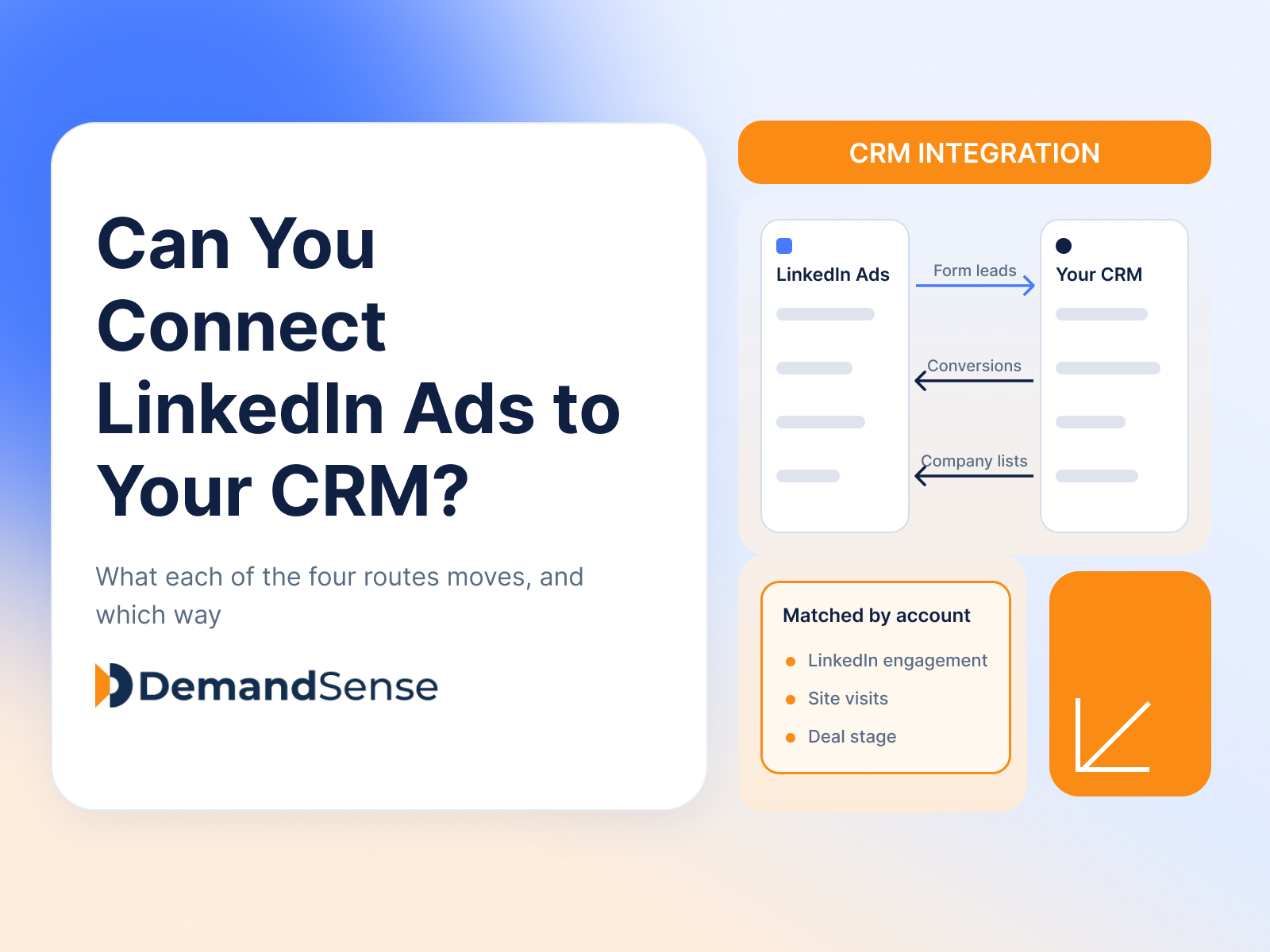
LinkedIn Ads
Revenue Attribution & Measurement
Yes, in four ways. See what CRM Sync, Lead Gen Form integrations, the Conversions API and connectors each move between LinkedIn Ads and your CRM.
LinkedIn Ads
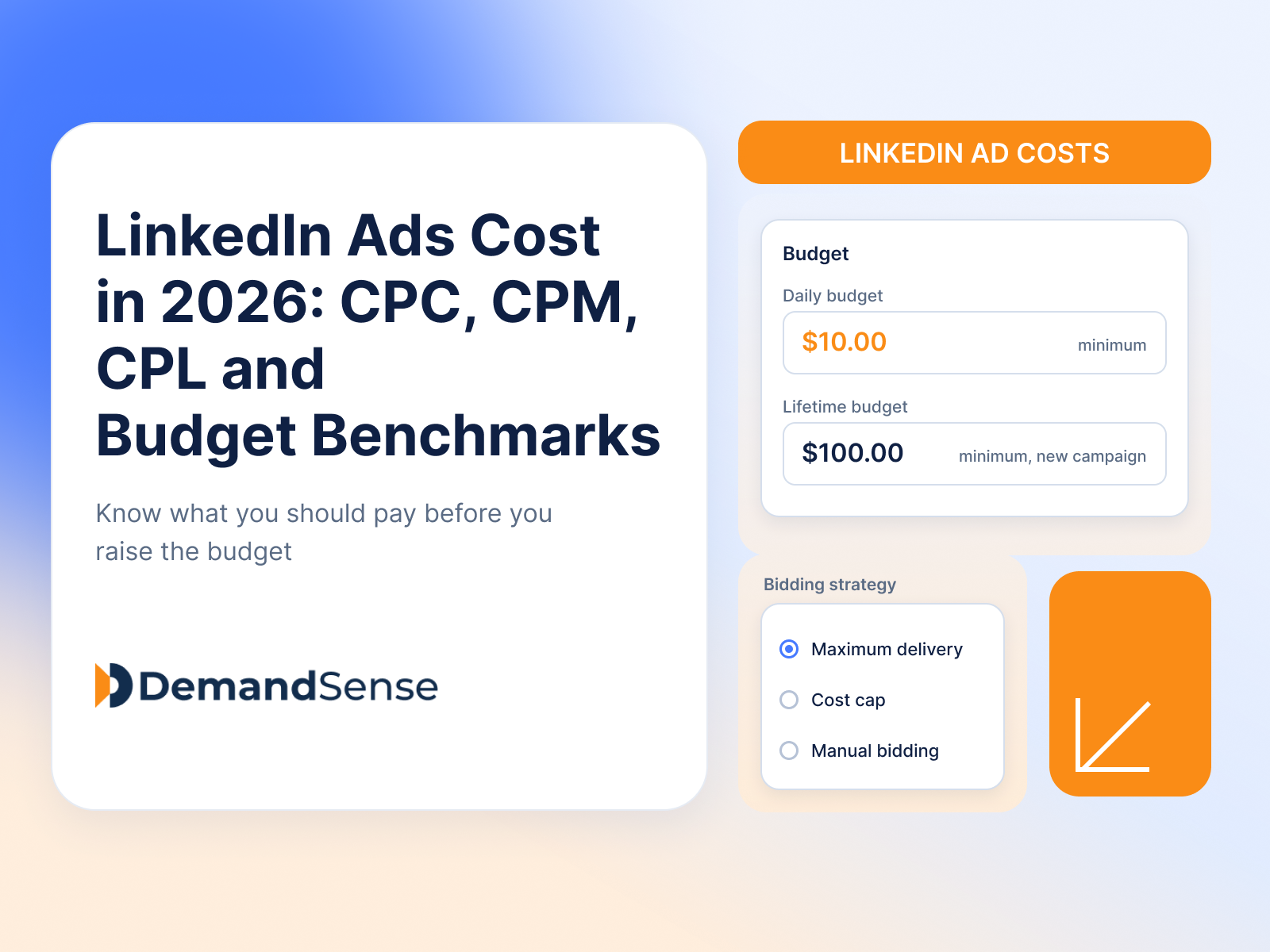
See how much LinkedIn ads cost in 2026: CPC, CPM, CPL and minimum budgets. Real B2B benchmarks and ways to lower your LinkedIn advertising costs.
LinkedIn Ads
Tools & Comparisons
DemandSense vs Linklo on scheduling, exposure control, A/B testing, visitor identification and price — two tools that overlap on delivery and split after it.
Get expert insights and strategies delivered to your inbox weekly.